

20 ways I use Cursor beyond coding
Prompts to 'audit' myself, my machine and my company.

Most people open Cursor to write software. I do too, every day. But lately, a surprising amount of what I ask Cursor has nothing to do with writing code.
Cursor can read files, run shell commands, inspect processes, and reason across the results. That makes it more than a coding assistant. It becomes an interface for understanding the systems around me: my laptop, my company, and how I work.
Every prompt below is one I’ve used recently, on real days running a company.
Seatbelts on
Most of these only work if Cursor has terminal and file system access, or if you’re already authenticated to the relevant service.
Be thoughtful about where you point it, especially around production data, credentials, customer information, and billing.
Also: every prompt here is exploratory, not destructive. Cursor reads, audits, profiles, explains, suggests, and drafts. It does not decide. You do.
Speed up your machine
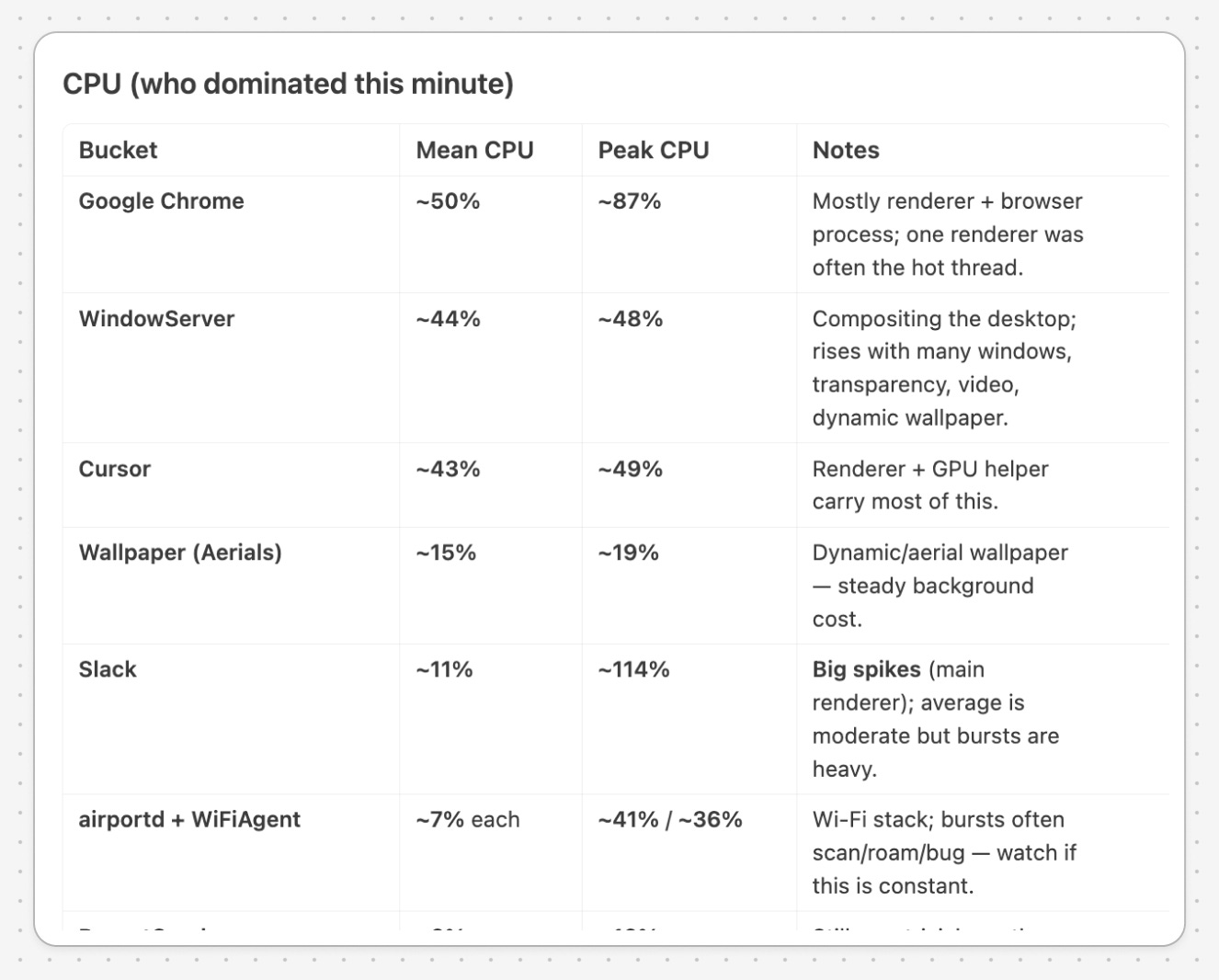
Analyze what’s eating my CPU and RAM – snapshot over 1 minute.
It checks what’s running, explains each process in plain English, and tells you what’s safe to close.
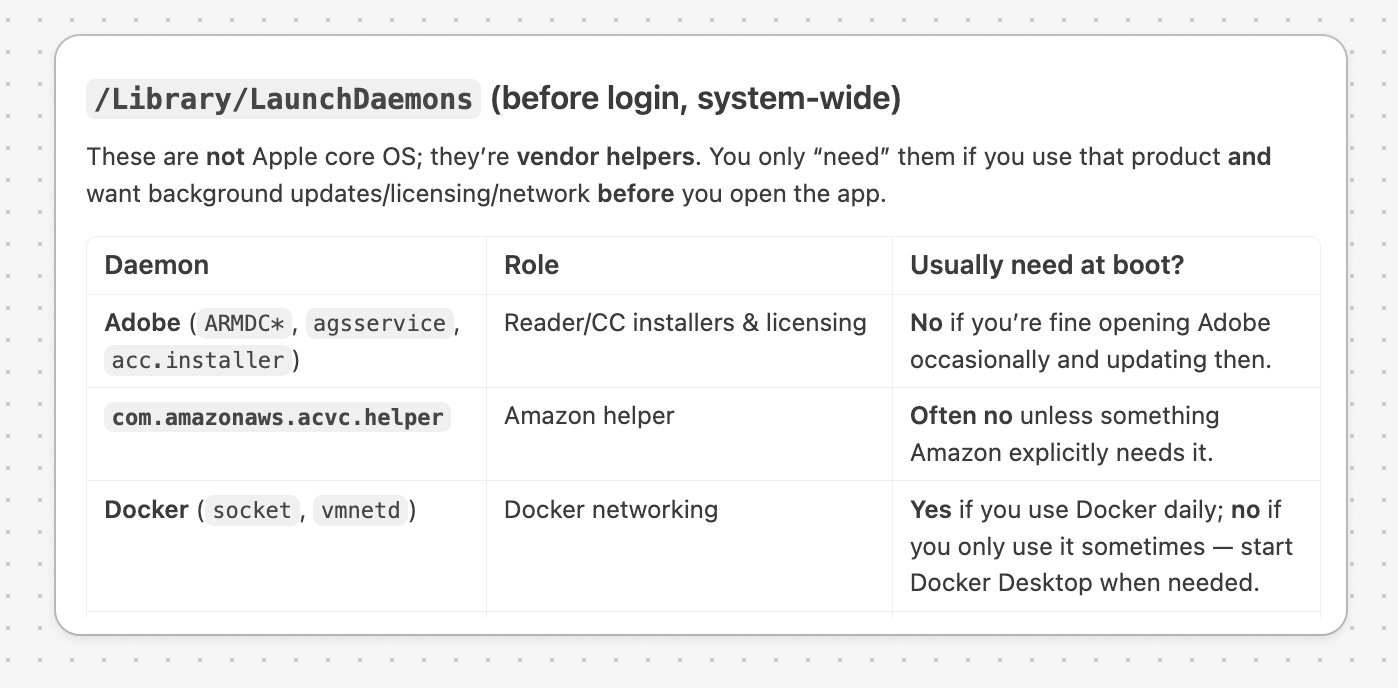
What’s running at startup that I don’t need?
Goes through every login item, background service, and updater. Tells you what’s worth keeping and what’s just slowing the boot.
Understand your web developer setup
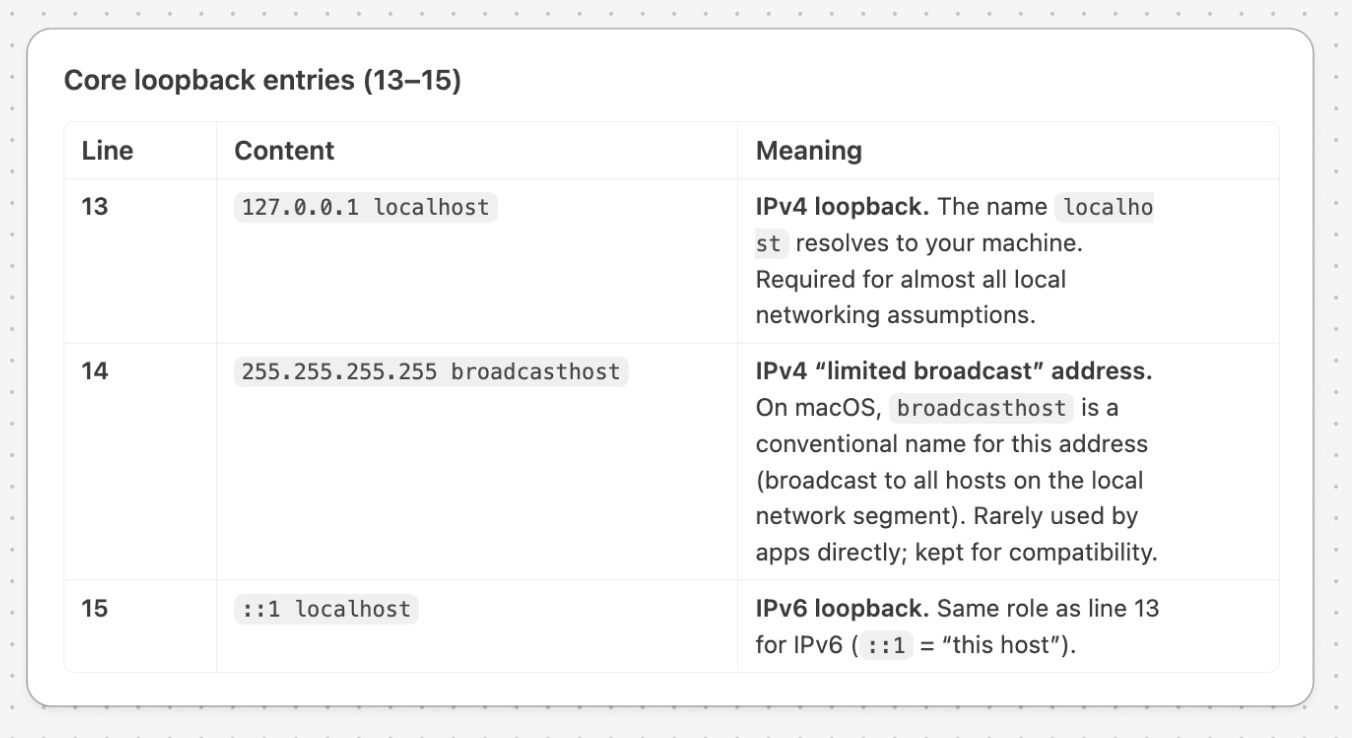
Explain every line in my /etc/hosts.
You probably have entries from setups you abandoned long ago. Now you’ll know what each one does.
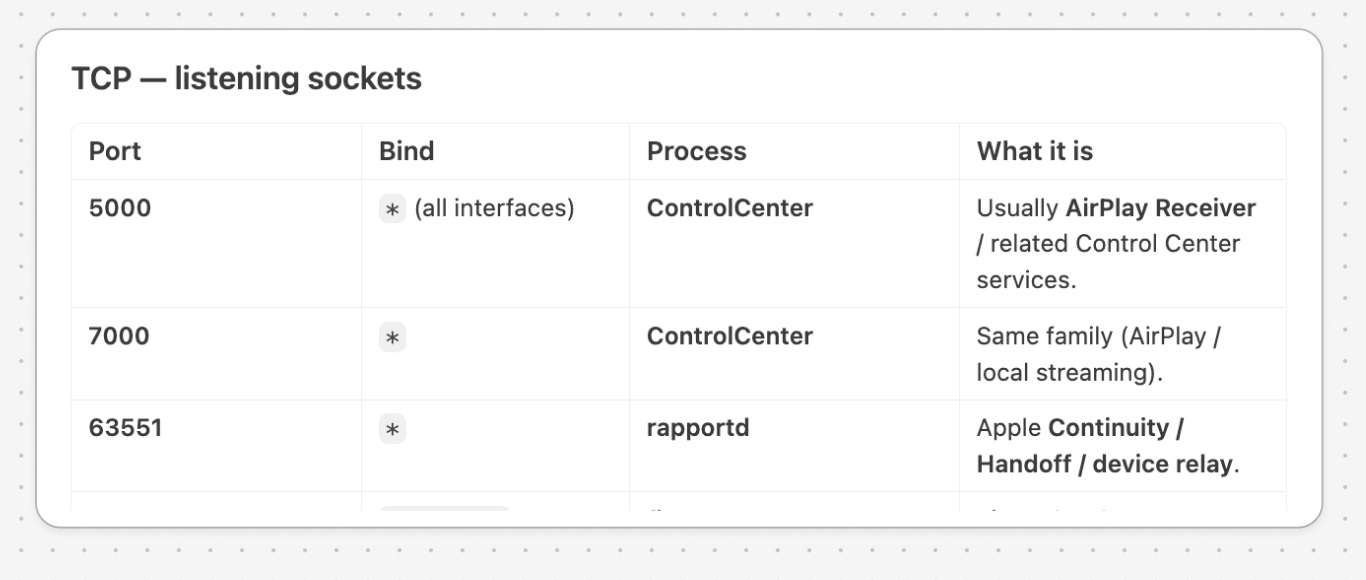
What’s listening on my ports?
Maps every open port to a process and explains what each one is doing.
Reclaim disk space
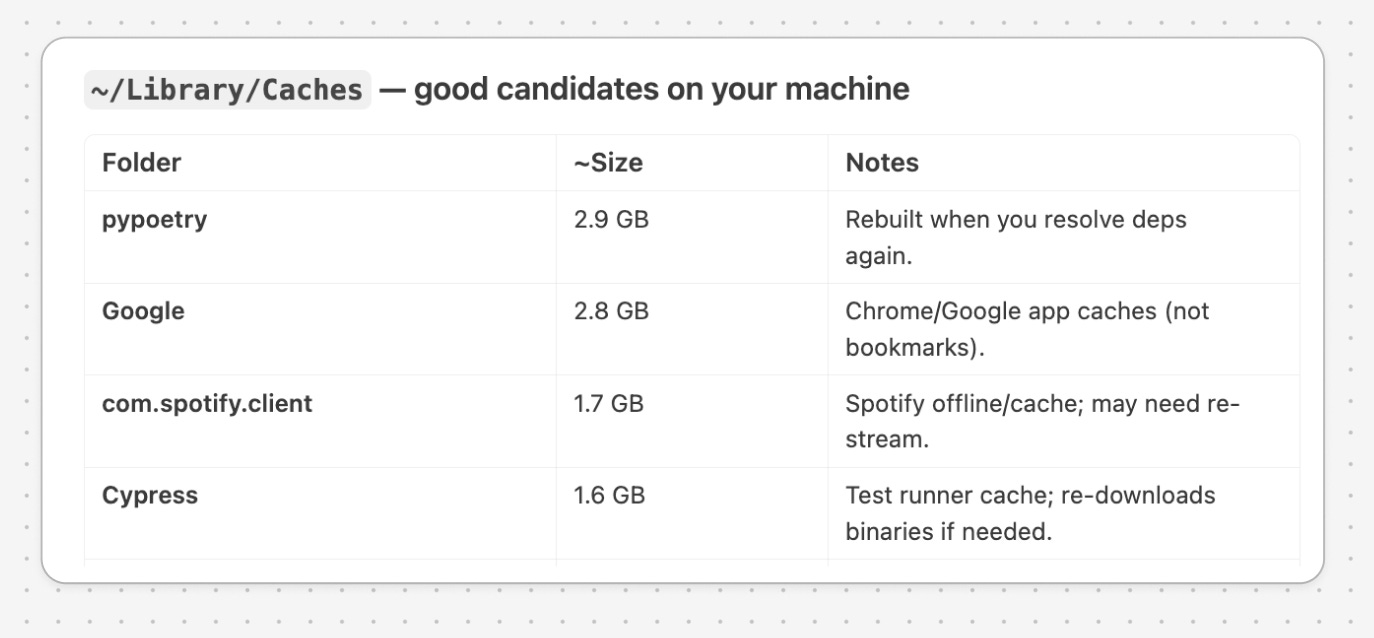
Suggest files and caches I can clear, but don’t delete anything.
Old build folders, package caches, abandoned virtual environments. The invisible clutter adds up to tens of gigabytes. You decide what actually goes.
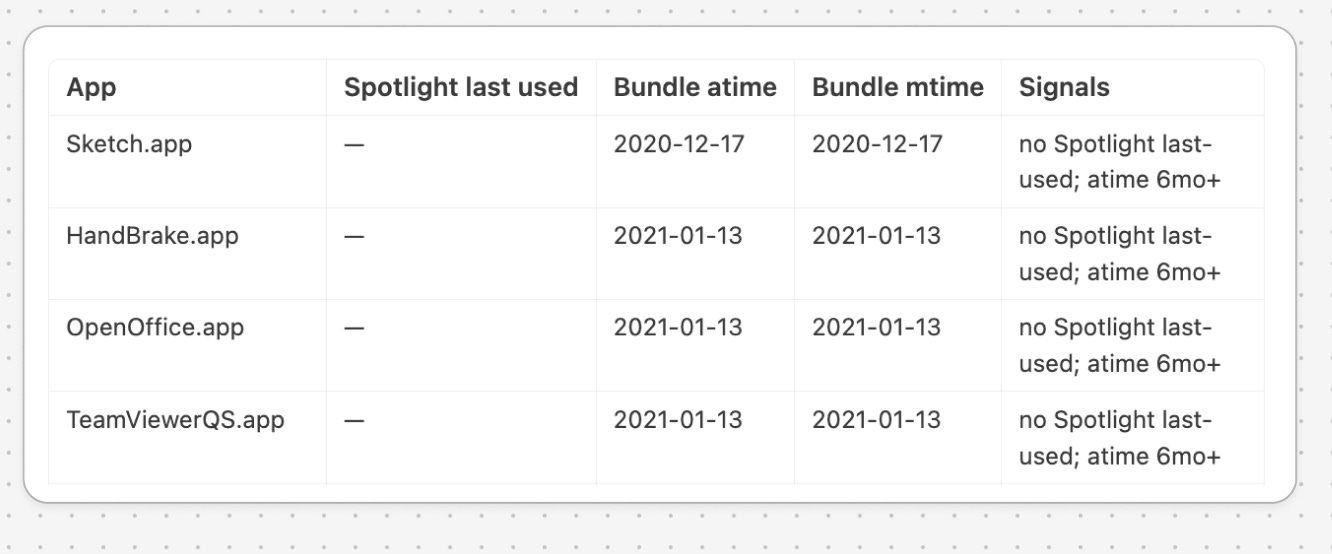
Find apps I haven’t opened in 6 months.
Audits your Applications folder, tells you what’s gathering dust, and flags when you have three apps that do the same thing.
Tighten your dev workflow
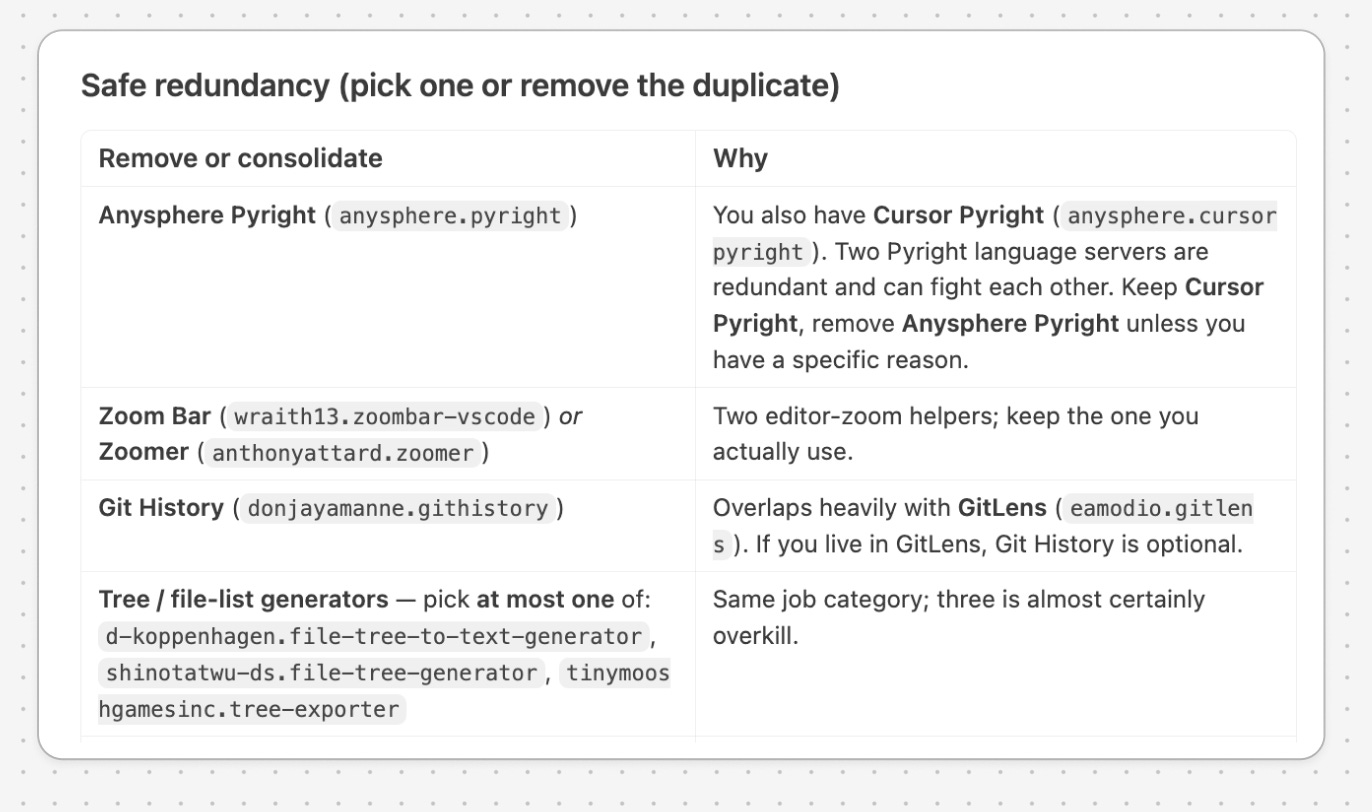
Suggest Cursor extensions I could remove.
Reads your installed extensions, spots overlap, tells you what to cut.
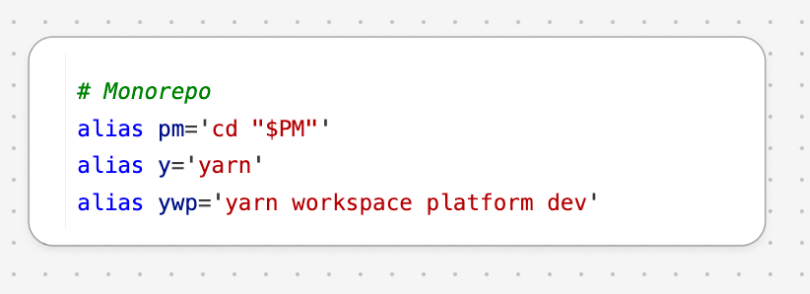
Analyze my shell history and draft aliases I could add.
Finds the commands you type most and proposes shortcuts. You decide which ones make it into your config.
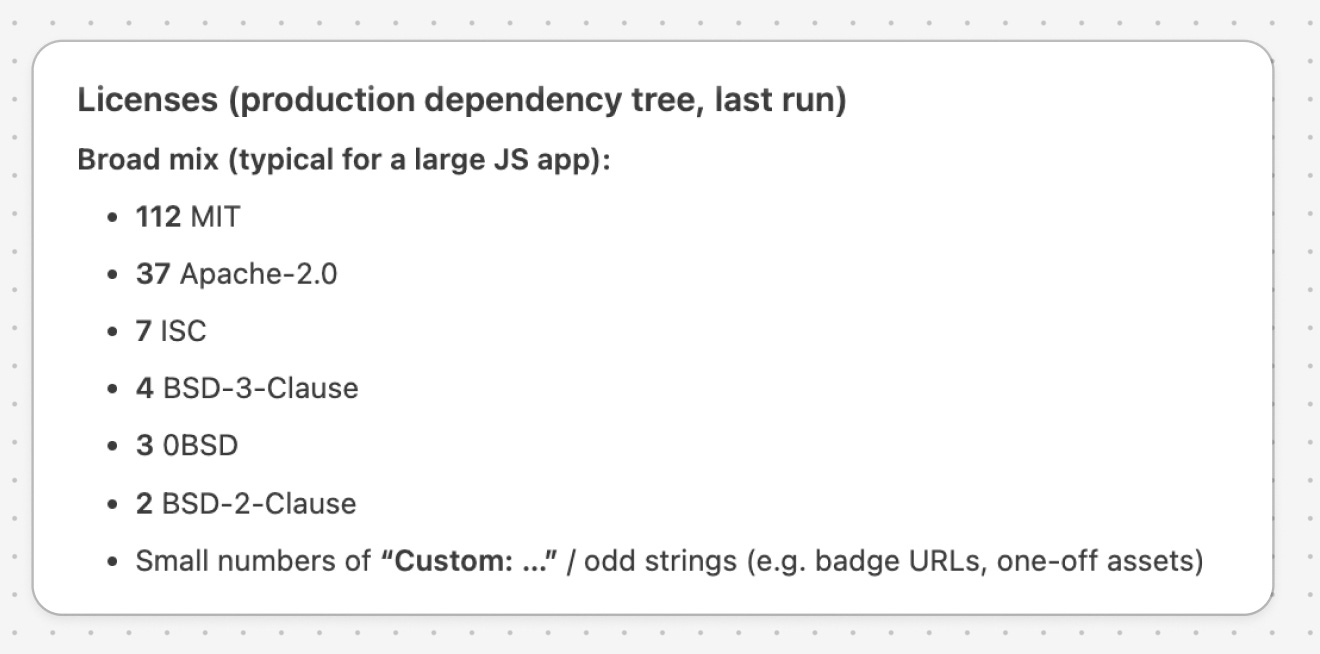
Audit my dependencies for vulnerabilities, outdated packages, and license surprises.
Cursor can surface vulnerable packages, stale dependencies, and licenses you probably didn’t mean to ship.
Audit your cloud
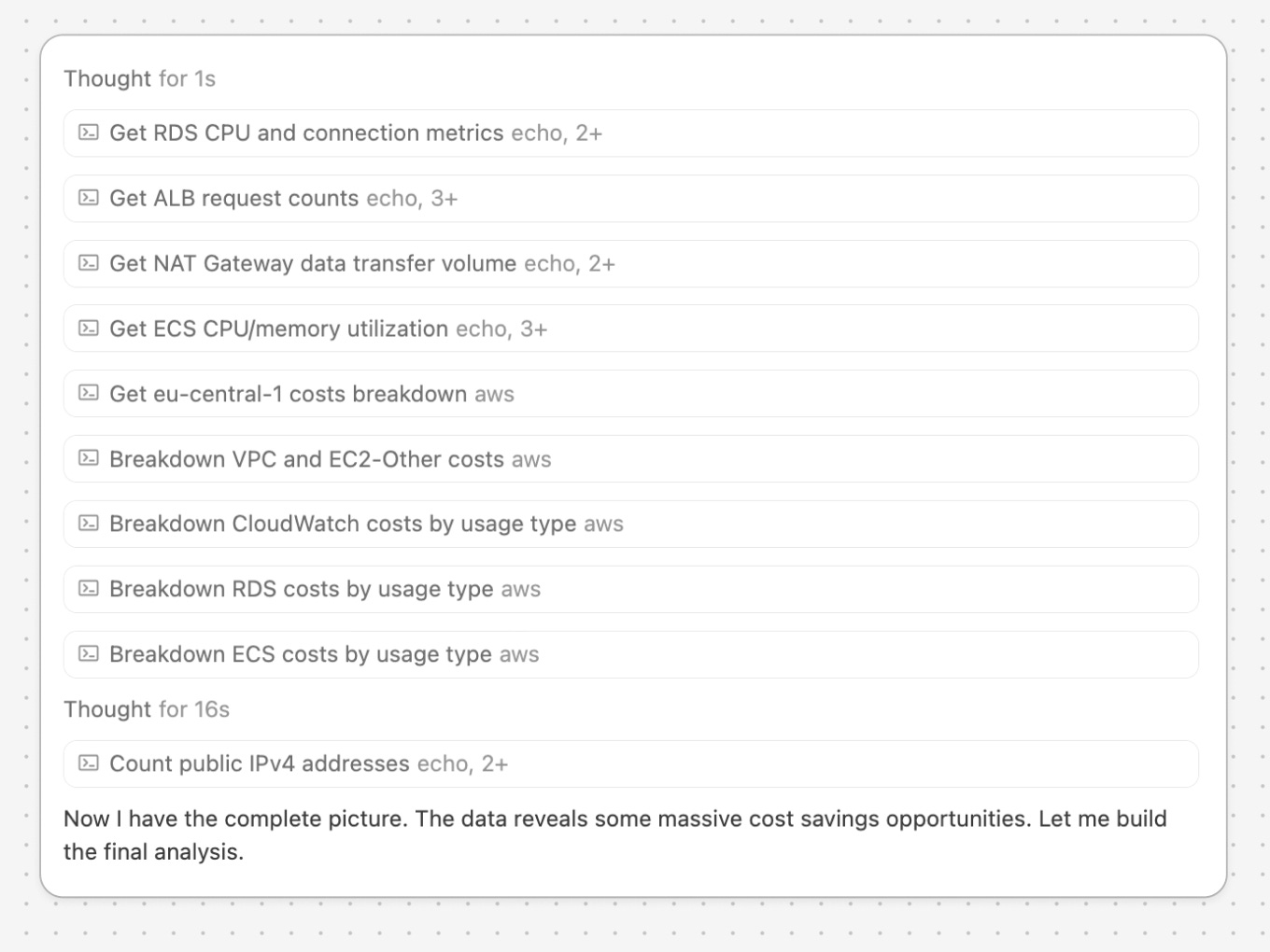
Analyze my AWS costs across all regions and tell me where the surprises are.
Forgotten EC2 instances, orphaned EBS volumes, idle NAT gateways. Real money, usually.
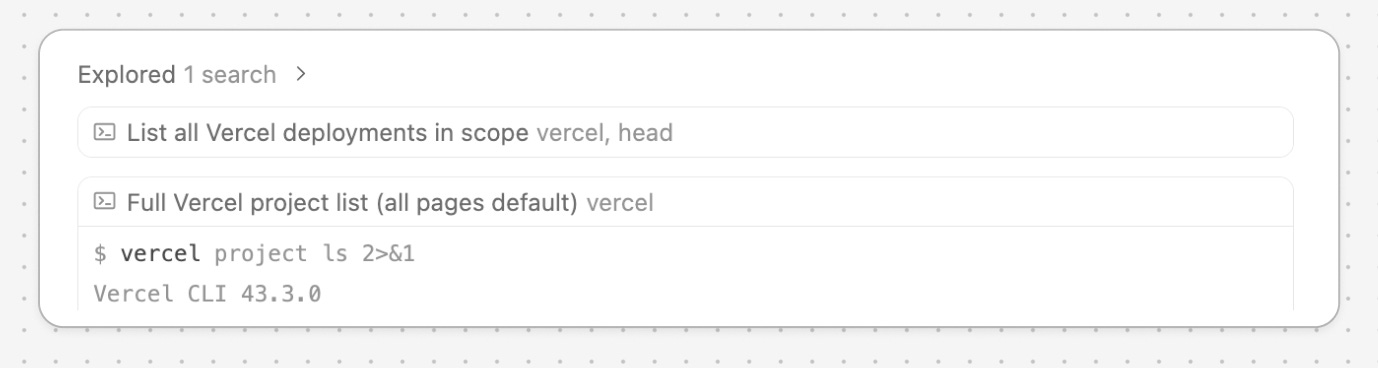
Profile my Vercel and Netlify projects and tell me which are still deployed but unused.
Free tier hosts forget gracefully. You don’t notice until you do.
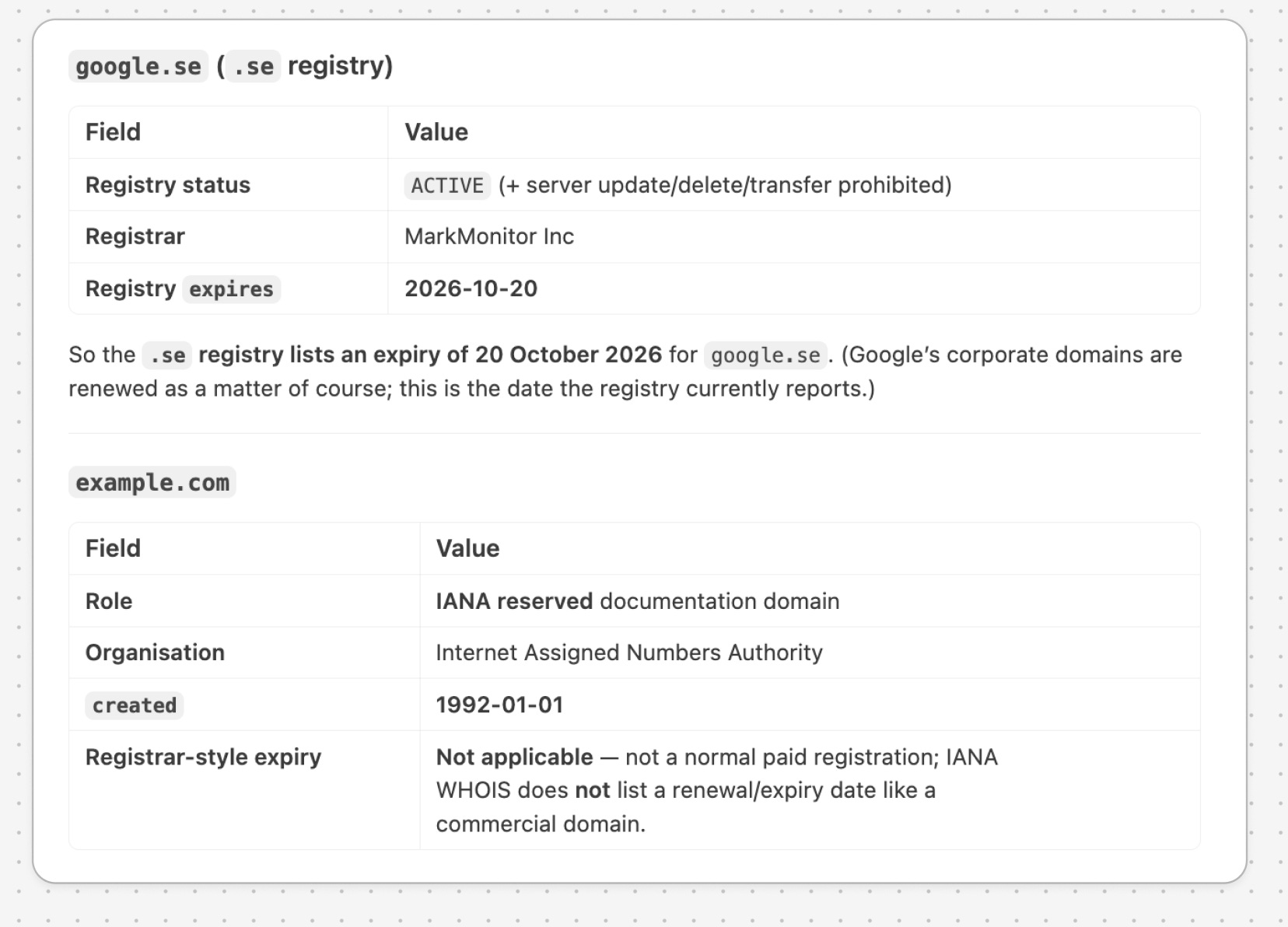
Check this list of domains for expiry dates: [google.se, example.com].
Five seconds of typing buys you a year of peace of mind.
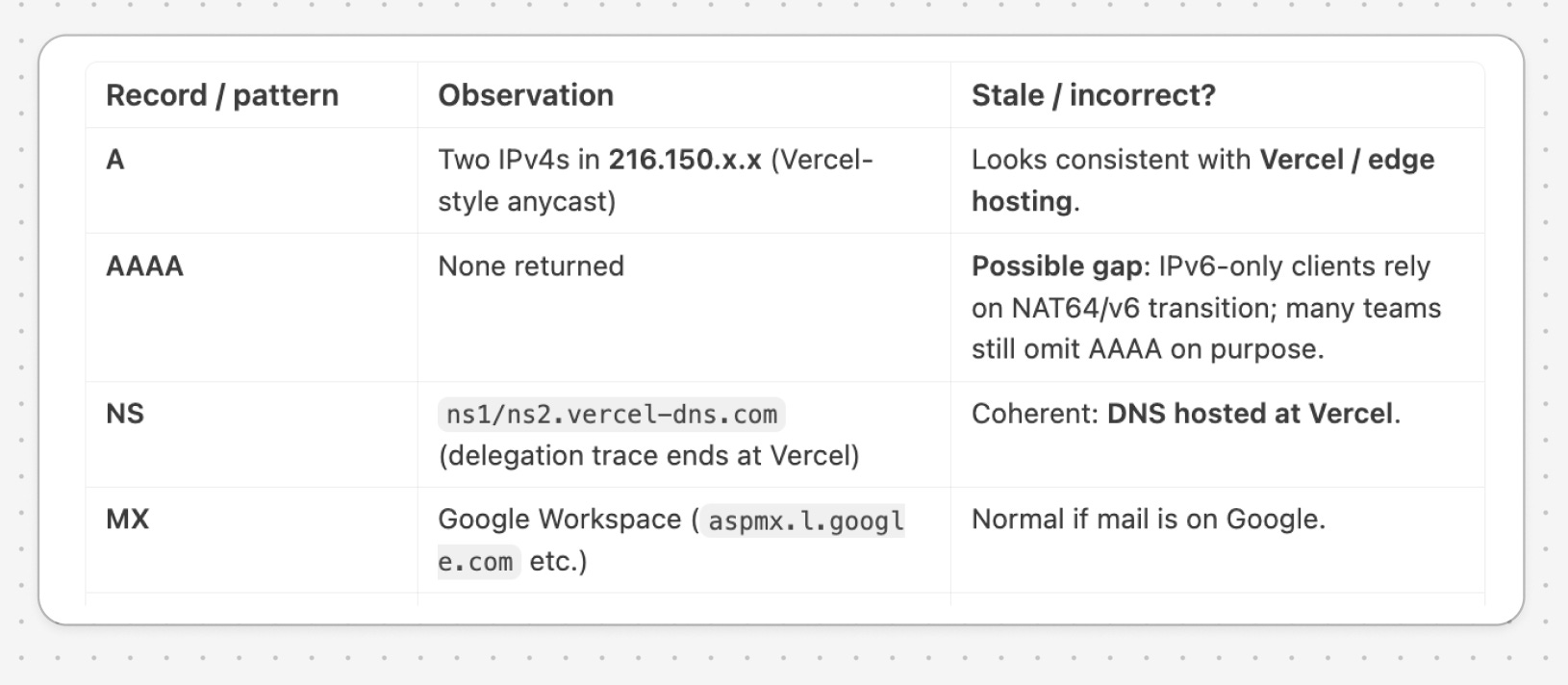
Check my domains for DNS entries that seem stale or incorrect.
A-records pointing to dead servers, CNAMEs to providers you’ve left.
Inspect your databases
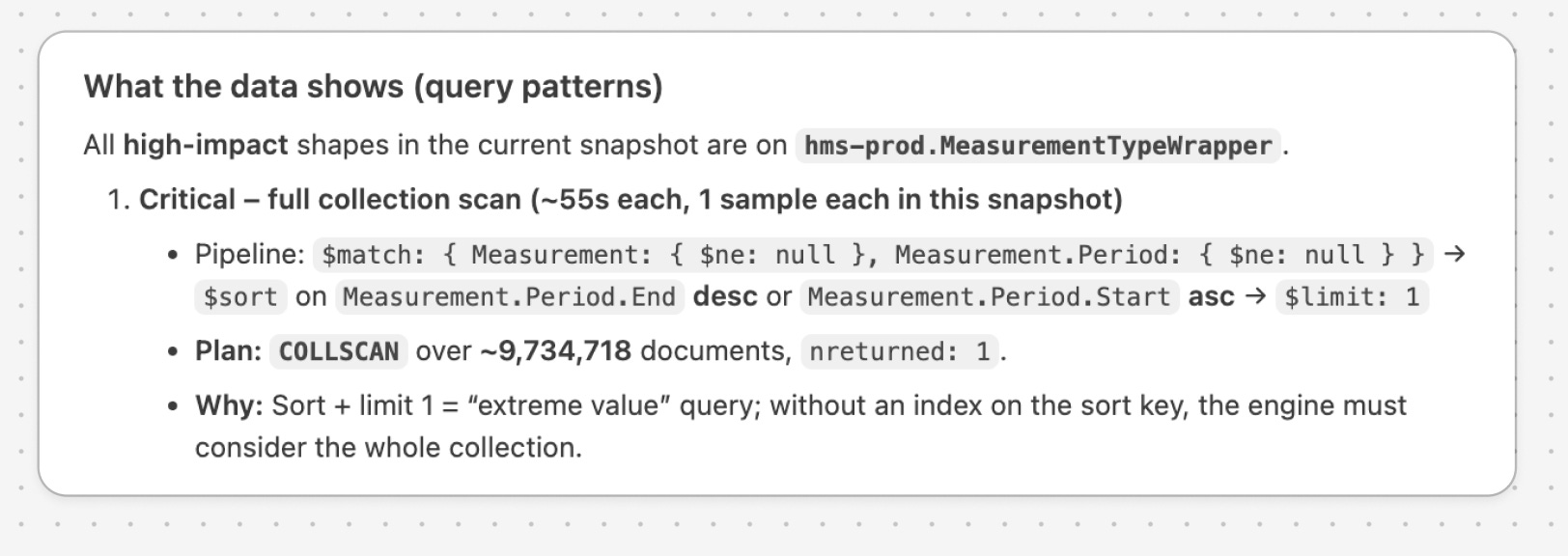
Connect to my [database] and analyze query patterns from the last week. Suggest indices.
Read-only. Often the highest-leverage prompt on this list.
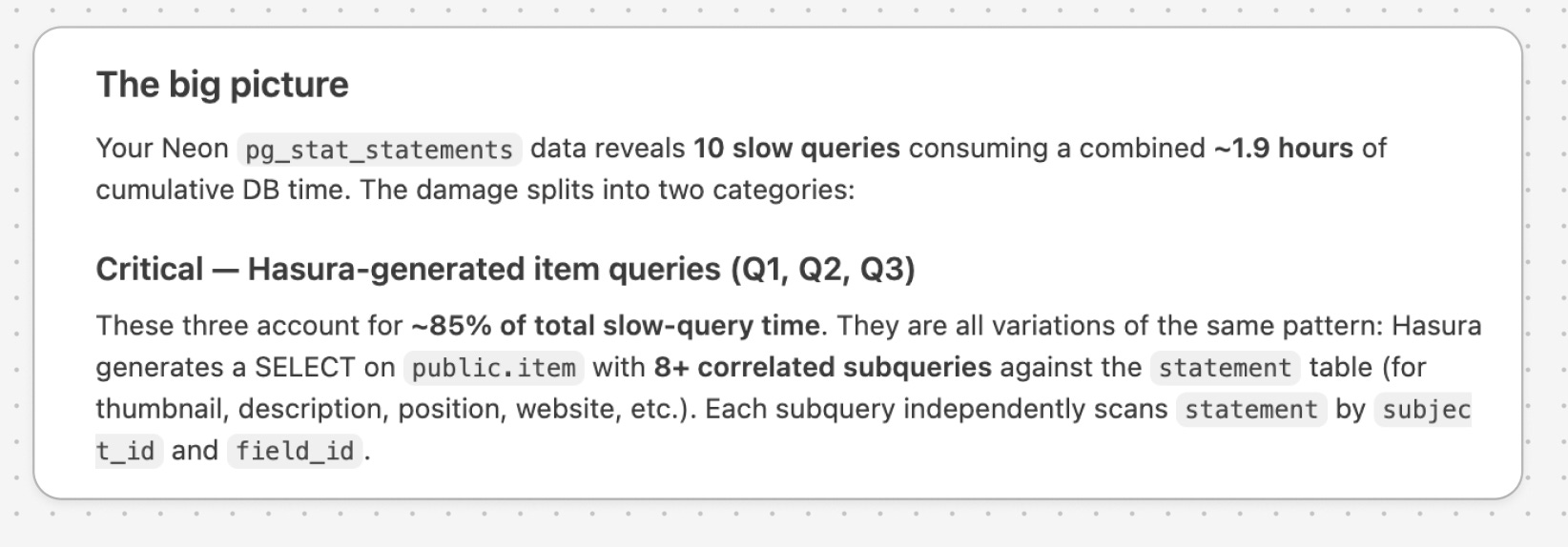
Read my Postgres slow query log and tell me which queries are killing performance.
The log was already there. You just never opened it.
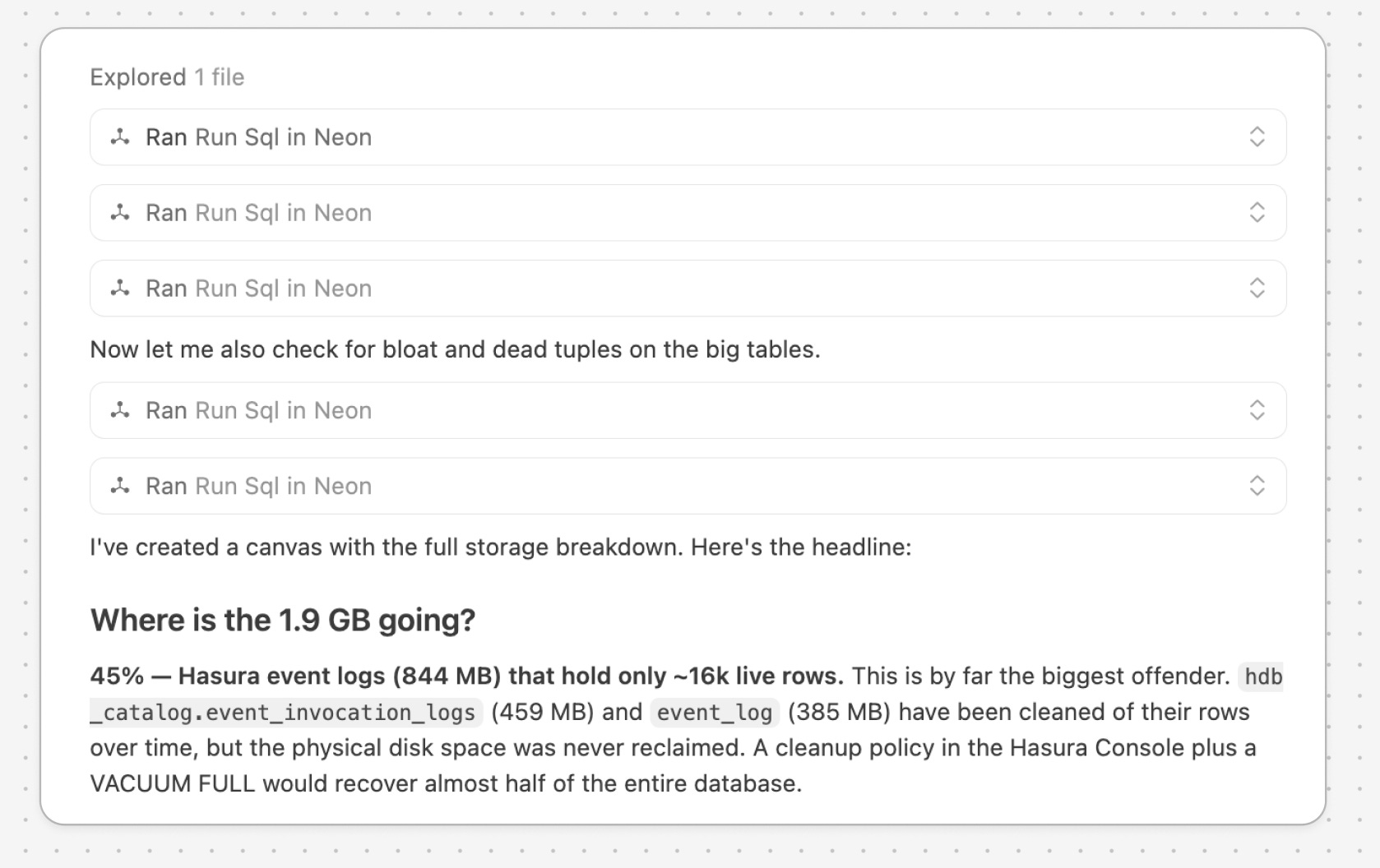
Profile the size of every table and collection. Tell me where the storage is actually going.
Almost always one or two tables nobody remembered.
Communicate your work
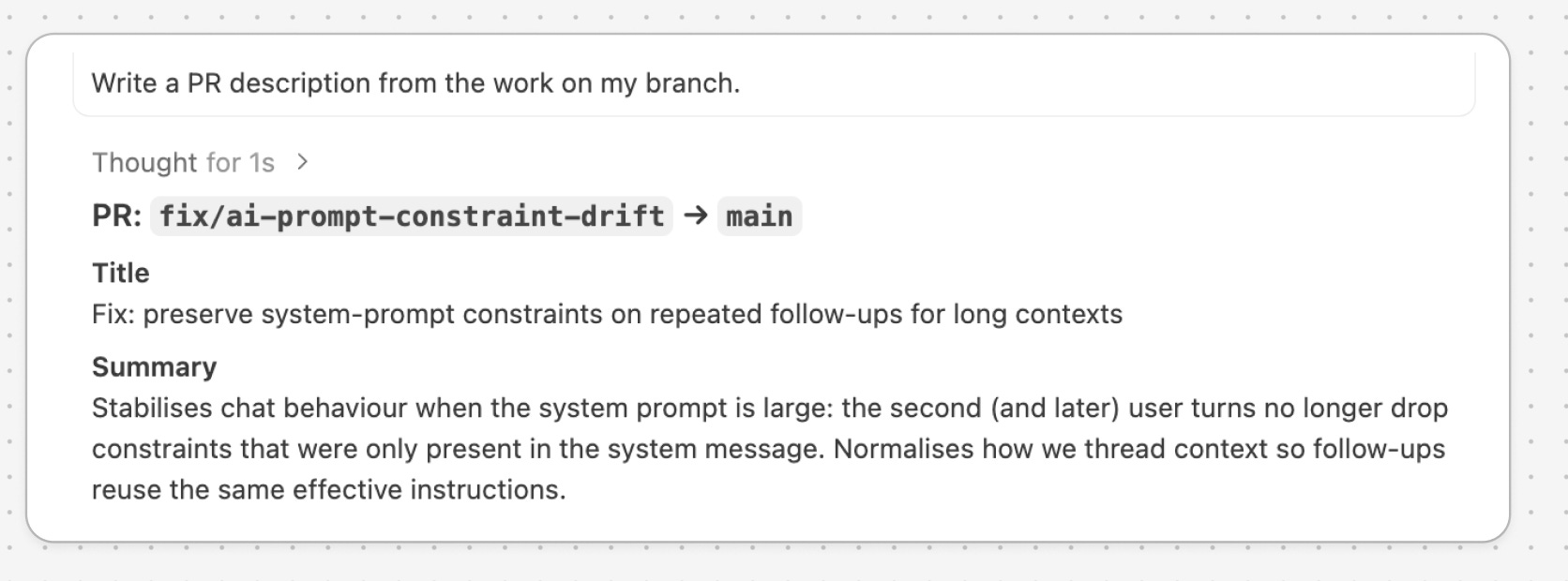
Write a PR description from the work on my branch.
Reads your full set of changes, summarizes them, drafts something you can submit. (You can also ask Cursor to open the actual PR.)
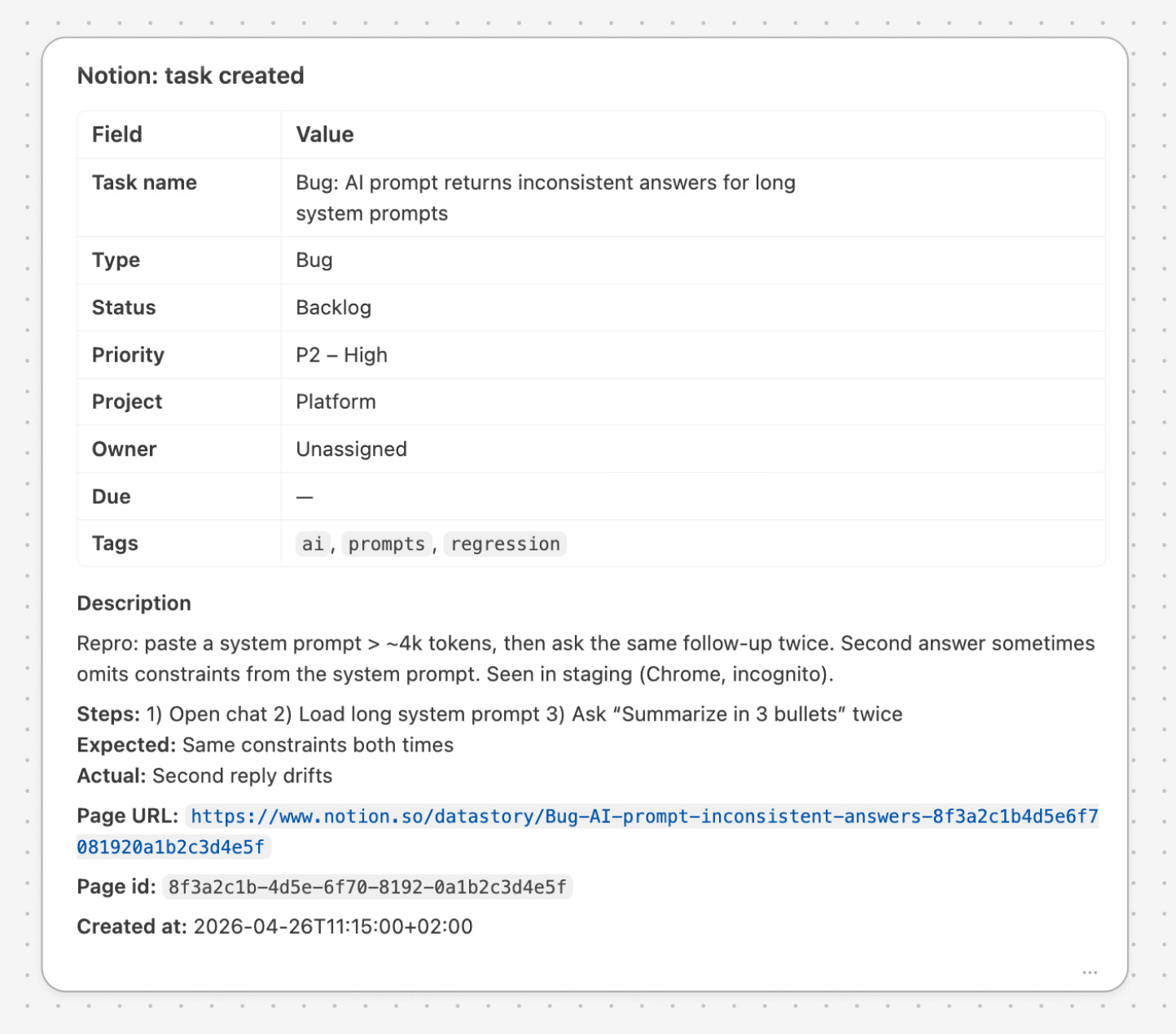
Create a Notion ticket from Cursor
Cursor writes the ticket while the work is fresh. No tab switching, no half-remembered context
Shout out to my colleague Arek who taught me this flow!
Coach yourself
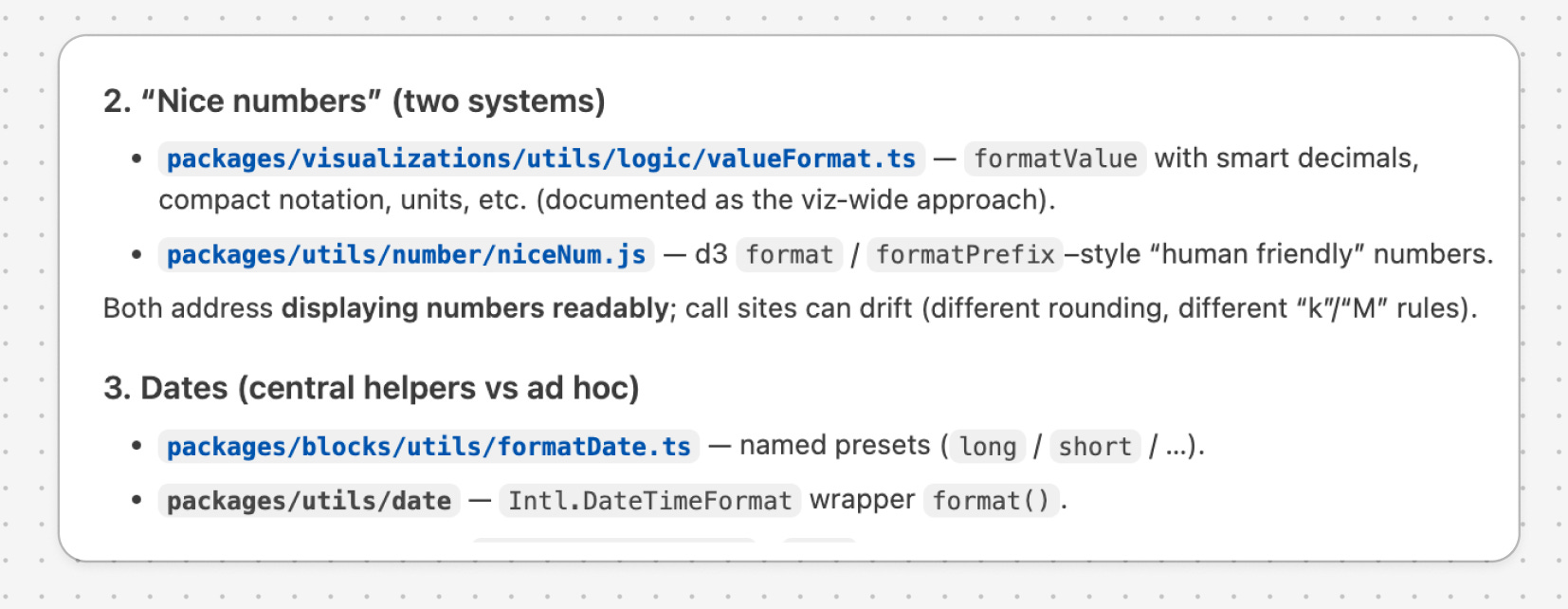
Find places where I solved the same problem more than once.
Great for spotting missing abstractions or repeat friction.
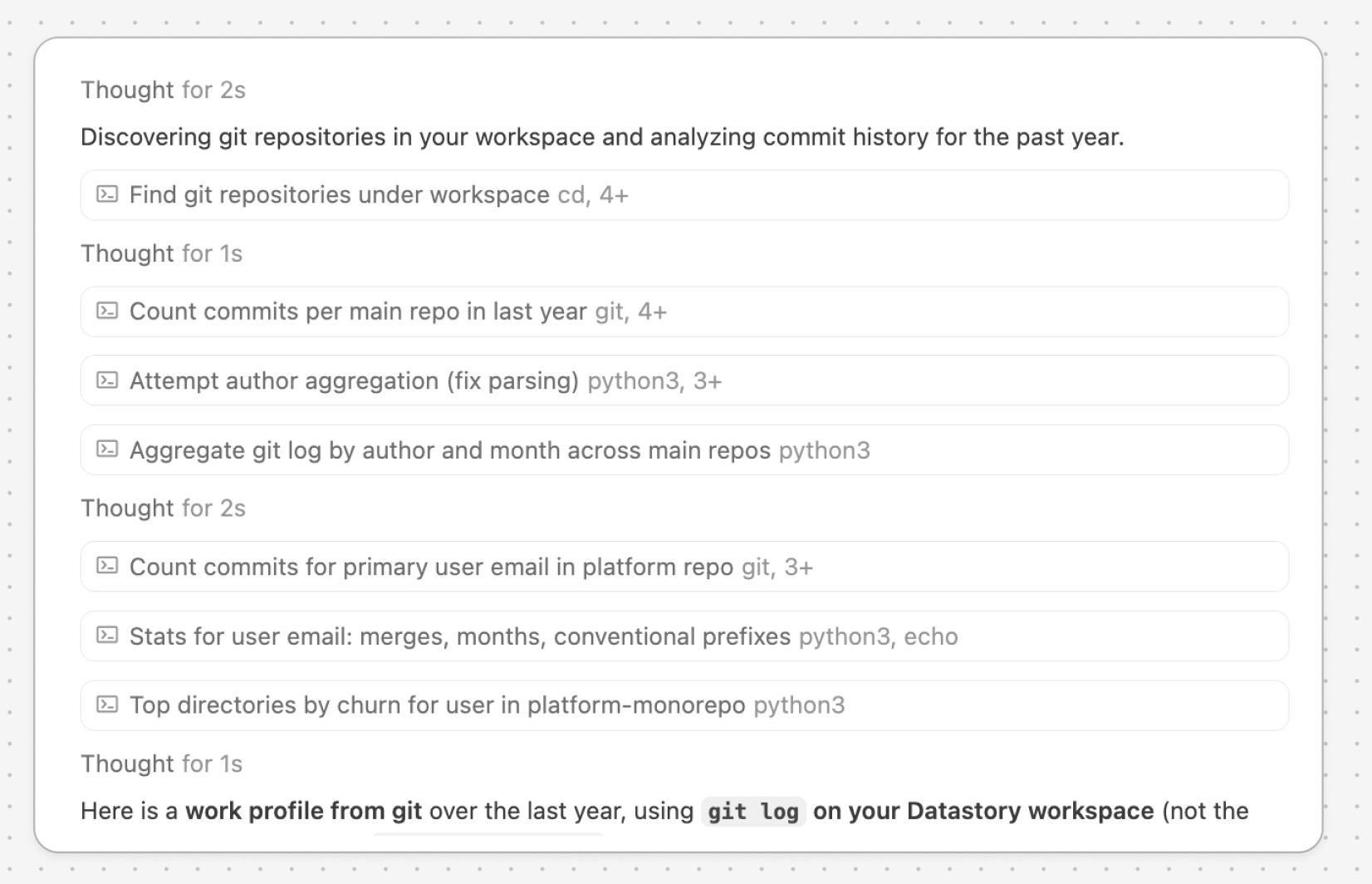
Read my git log and profile my work over the last year.
Patterns you didn’t notice, projects you spent more time on than you remember, weeks where you shipped nothing.
Make them your own
Hopefully, this gives you a few ideas to try in your own work.
You don’t need to use all 20. Pick the one area that feels messiest right now – your laptop, your cloud, your database, your docs, your habits – and ask Cursor to audit it.
That’s usually where the best prompts begin.